Doc Progress
A downloadable tool for Windows
Doc Progress
When programming with AI agents, you often have them using markdown documents to plan and track the progress of the work you are having them do. Doc Progress lets you track your markdown documents in realtime, showing checklist items (lines starting with a [ ] or [x]) as incremental steps in a progress bar. That way you can always instantly get a sense of how much progress has been made by the AI. You get audible indicators to let you know about the changes to the doc as well, so that you can focus on other things, rather than watching an AI coding harness waiting for it to complete it's next task so that you can tell it to continue.
By default it just shows the progress. 
But you can also see the details, which is a stripped down version of the document such that the only thing shown are the checklist items, and not the rest of the document content.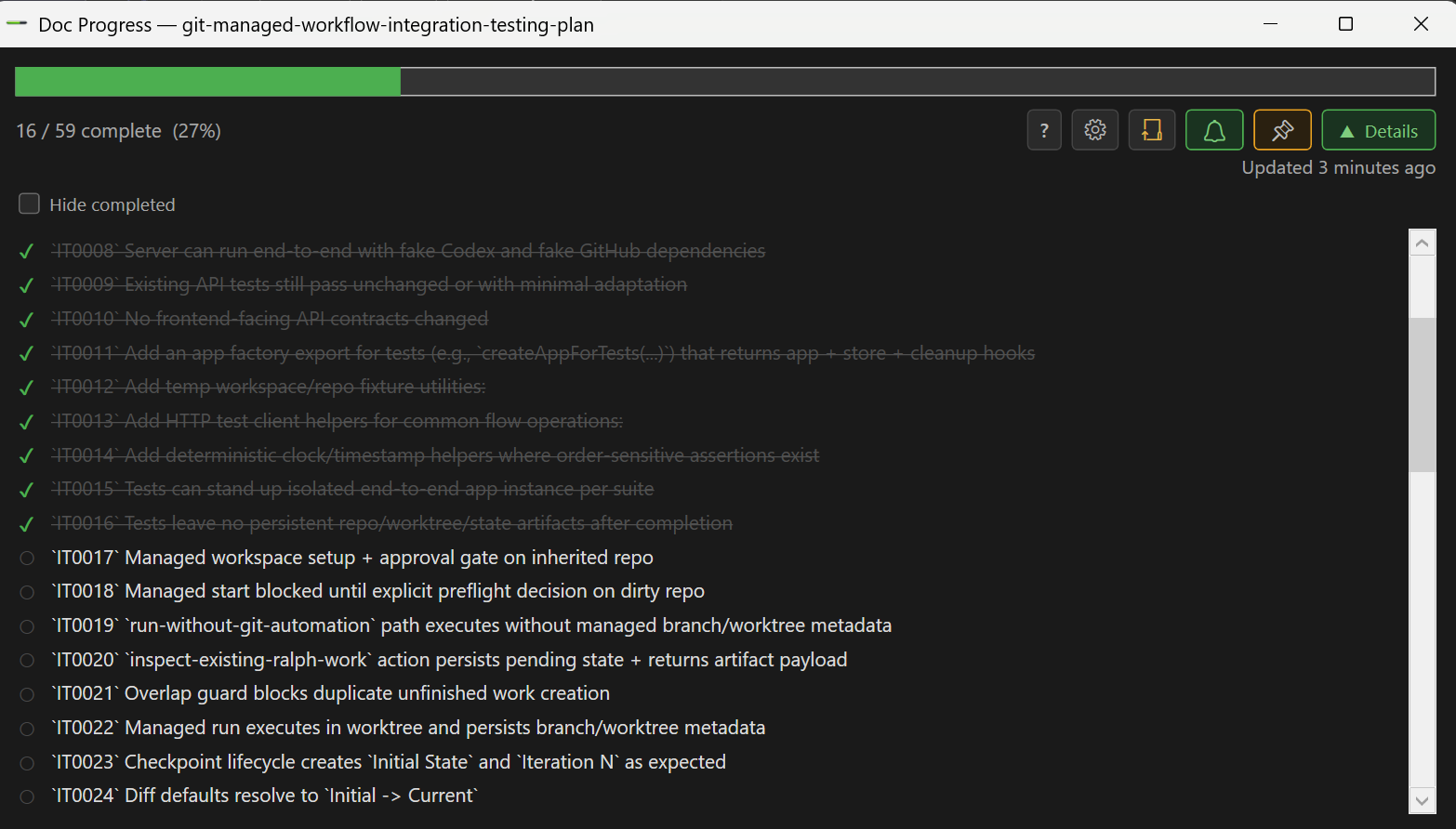
Update Changelist:
- v1.2.4 - Fixed issue where checkboxes didn't work when found at the beginning of an ordered list item, i.e. `1. [ ] This is the first task`
- v1.2.3 - Render backtick text in list, improved opening dialog, added Ctrl click mode change to Open
- v1.2.2 - Added folder watching mode, no longer tracks entries inside code blocks, added scroll to progress bars if too many present
- v1.1.2 - Improved file watching, now uses 2 sec polling technique so it doesn't miss changes
- v1.1.0 - Improvements to mult-doc UX. Added ability to see multiple progress bars.
Download
Install instructions
Run the installer to install it on your Windows computer
Leave a comment
Log in with itch.io to leave a comment.